Logging orders
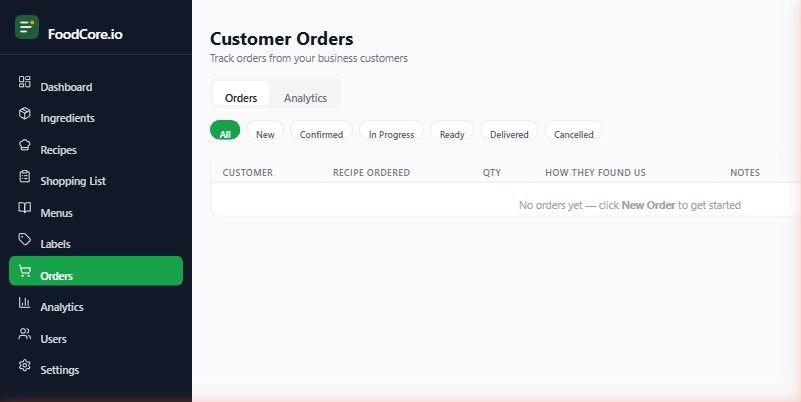
The Orders module lets you record customer orders, track them through to fulfilment, and link them to your production plan.
Creating a new order
Go to Orders → New order
Enter the customer's details:
Name
Contact (phone or email)
Collection or delivery
Required date
Add the items ordered — search for recipes and enter quantities, and a Price each for each line, since this is what produces the order's total
Click Save
Order reference numbers
FoodCore assigns each order a reference number automatically (e.g. ORD-0042). Use this when communicating with customers about their order.
Collecting a deposit
Deposits and balance payments are recorded as receipts against the order, not by picking a payment status yourself — FoodCore works out whether an order is unpaid, part-paid, or paid in full from the receipts you've recorded. See Receipts and payments for how to record one.
Delivery vs collection
Set whether the order is for collection or delivery. For delivery orders, you can add a delivery address and any delivery notes.
Editing an order
Find the order in the Orders list and click Edit. You can change any detail up until the order is marked as collected or delivered.
Cancelling an order
Open the order and click Cancel order. Cancelled orders are kept in your records but removed from the active production view.
Last updated